
Stop getting double-booked across your calendars.
Calensync copies events between your Google, Outlook and Apple calendars, so each one shows when you're really busy. Share the full details, or just a "Busy" block.
Priced per account instead of per calendar
Personal
Work
09:00
10:00
11:00
12:00
13:00
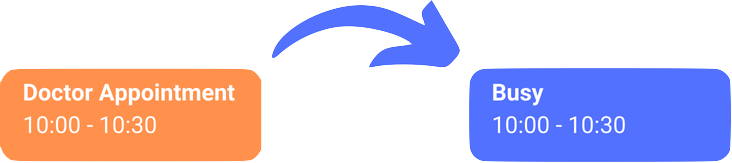
Personal → Work, busy only. Colleagues see you're unavailable. They don't see why.
Works with
Google Calendar
Outlook & Microsoft 365
Apple iCloud
Any .ics link
Set up in three steps
Step 1
Connect your accounts
Sign in with Google or Microsoft. Add Apple with an app-specific password, or paste any .ics link.
Step 2
Choose what to copy
Pick a source and a destination calendar. Copy the full details, add a prefix, or show only "Busy".
Step 3
That's it
New events and changes are copied automatically. Calensync never edits or deletes your original events.
Built for people with too many calendars
Freelancers and consultants
Each client gave you their Google Workspace or Microsoft 365 account. Show your availability in all of them without sharing one client's meetings with another.
My students can book appointments on my calendar directly during specific hours. Unfortunately, on a couple of occasions there were collisions with my personal account or my consultancy account, which means having to manually reschedule. I decided to look for a solution, and found Calensync. Set up in 2 minutes and been using it for one month and it’s been flawless.
Arjun L., University Professor
Work and personal
Your team books you from your work calendar. Your life lives in your personal one. Copy personal events to work as "Busy" so nobody books over the school pickup.
I needed to keep my professional and personal events in sync to avoid conflicts with my team meeting, and Calensync solved this problem.
Elena T., Project Manager
Founders with several companies
One person, several domains, several calendars. Keep them all accurate without copying events by hand.
I run multiple side-hustles and having to deal with multiple calendars is an absolute nightmare. Thanks to Calensync I have found how simple it is to merge two or more google calendars together, and life has been that much simpler since.
Brian T., Serial Entrepreneur
You decide what each calendar shows
Every sync has its own settings, so a client sees "Busy" while your partner sees the full event.
Copy details, add a prefix, or show only "Busy"
Skip events by title or description, regular expressions included
Add buffer time before and after copied events
Choose how tentative, declined and free events are handled
Set the colour and visibility of copied events
Include or leave out the location
Recurring events, including complex patterns
Events synced up to 5 years ahead
Pricing
Simple pricing with a free trial. Sync unlimited calendars with full privacy controls.
Unlimited linked accounts
Unlimited sync mappings
Google, Outlook, Apple & ICS
Privacy & visibility controls
Meeting scheduling links
Filters, colors & exclusions
Email support
No per-calendar pricing
Most sync tools charge by the number of calendars. Calensync has one plan with no limits.
| Syncing 5 calendars for a year | Price | Calendar limit |
|---|---|---|
| Calensync | €29.00 | Unlimited |
| CalendarBridge Premium | $96 | 5 (yearly plan) |
| OneCal Essential | $120 | 5 |
From each company's public pricing page, checked October 2026, billed yearly, excluding VAT. Competitor prices are in US dollars.
When another tool is the better choice
If your company needs SOC 2 or HIPAA paperwork, a mobile calendar app or team administration, OneCal and CalendarBridge offer those. Calensync does one job, syncing, and keeps it affordable.
Also included
Booking links
Share a scheduling page that checks all your calendars, so people can only book times when you're free.
Set it up from your AI assistant
Connect Calensync to Claude, ChatGPT or Perplexity and create syncs from the chat.
How the AI connection works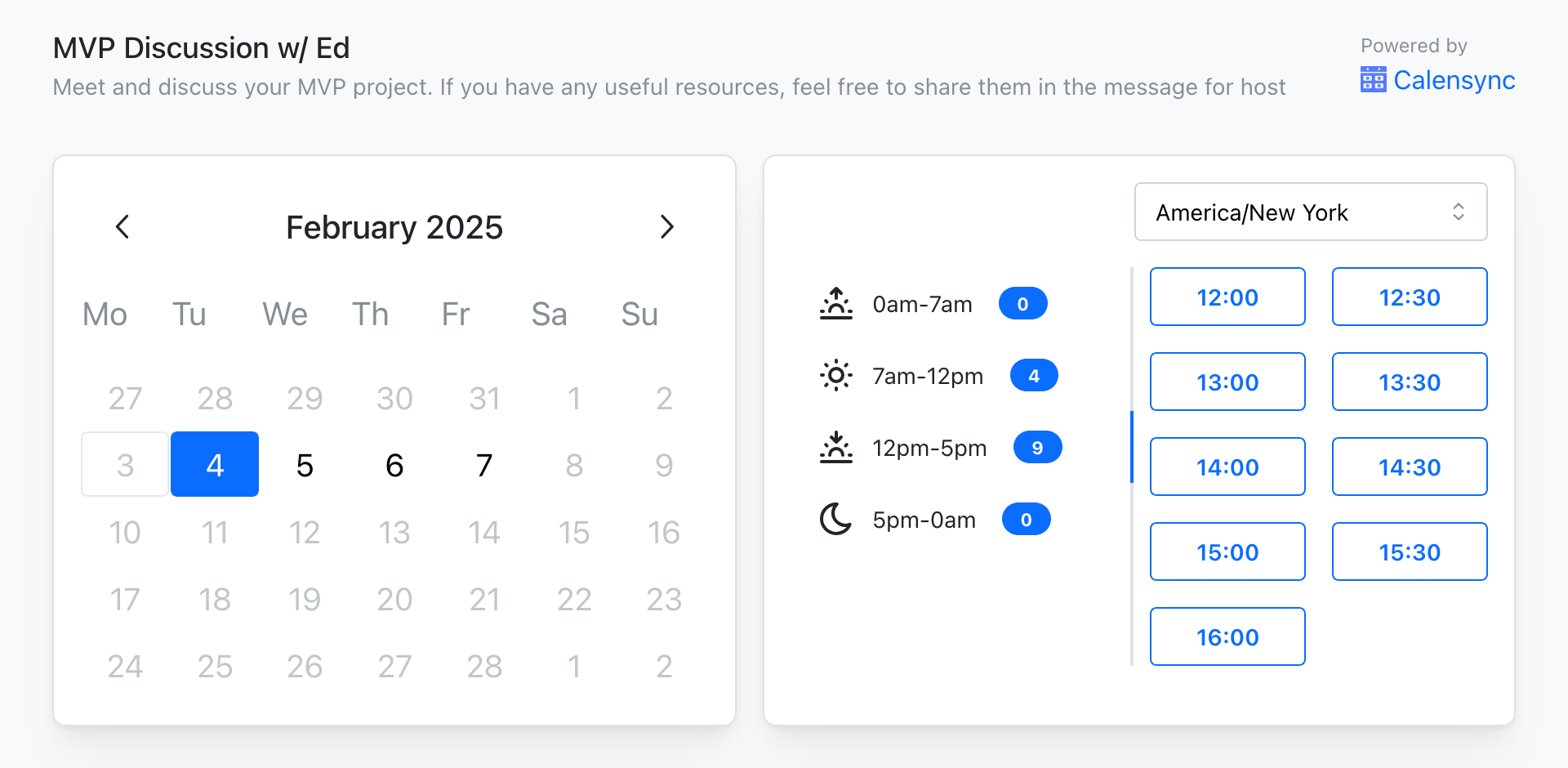
What people say
My family members all have their own calendars. We created a common calendar and use Calensync to sync all our calendars to it.
Jim H.
Father of three
I was looking for a solution to sync multiple google calendars together quickly, found Calensync and haven’t looked back. Great UX and most affordable on the market.
Frederik K.
Product Manager
An app to sync calendars, simply. It’s surprising that Google doesn’t do it natively
Federico M.
Freelance Developer
My students can book appointments on my calendar directly during specific hours. Unfortunately, on a couple of occasions there were collisions with my personal account or my consultancy account, which means having to manually reschedule. I decided to look for a solution, and found Calensync. Set up in 2 minutes and been using it for one month and it’s been flawless.
Arjun L.
University Professor
I needed to keep my professional and personal events in sync to avoid conflicts with my team meeting, and Calensync solved this problem.
Elena T.
Project Manager
I run multiple side-hustles and having to deal with multiple calendars is an absolute nightmare. Thanks to Calensync I have found how simple it is to merge two or more google calendars together, and life has been that much simpler since.
Brian T.
Serial Entrepreneur
What happens to your data
Standard sign-in
Google and Outlook connect through OAuth. Apple uses an app-specific password. You can revoke access at any time.
Encrypted
Your access tokens and the event data needed for syncing are encrypted. We don't keep event data long term.
Never sold
Your calendar data is only used to run your syncs. It is never sold or analysed for anything else.
Questions
Make every calendar tell the truth
Connect your calendars during the 7-day free trial.
No credit card required. Then €3.50/month for unlimited calendars.